
Sent as SMS: Meaning Behind the Delivery Switch
If your message shows “sent as SMS” instead of “delivered,” it does not mean the message failed.
It means your phone delivered the text using standard carrier SMS instead of internet-based messaging like iMessage or RCS.
This happens when chat features cannot be used due to internet issues, device compatibility, or messaging settings. The system switches to your mobile carrier.
In this article, we’ll explain what “sent as SMS” means, why the delivery switch happens, and how server-based messaging works in business marketing.
TL;DR
- “Sent as SMS” means your message was routed through standard carrier SMS instead of internet-based messaging like iMessage or RCS.
- On iPhone, this happens when iMessage cannot use an internet connection or the recipient is unavailable, causing the message bubble to turn green and send via your carrier.
- On Android, the status appears when RCS chat fails due to connectivity issues, disabled settings, or compatibility limits, triggering automatic SMS fallback.
- While occasional fallback is normal for personal texting, managing high-volume messaging from individual phones can lead to missed replies and delivery limitations.
- If you’re sending large volumes of messages, Textellent uses a secure server-based SMS infrastructure to provide automation, tracking, and compliance.
Should You Worry About “Sent as SMS” Messages?
Have you sent a message and noticed the status line says “sent as SMS” instead of the usual “delivered”?
It’s not something to worry about. This status means your message was delivered through a server-based SMS system rather than from a mobile device.
That server might be a computer, a tablet, or a cloud-based messaging platform, connected via Wi-Fi or a cellular network.
What “Sent as SMS” Means on iPhone
When an Apple device shows “sent as SMS,” it means the message was sent through standard texting. This is the older method that travels through your mobile carrier instead of the internet.
This switch happens when the recipient’s device is offline, turned off, out of signal range, not connected to the internet, or using a non-iOS device that cannot receive iMessages at all.
It can also happen if something in your iMessage settings prevents the message from using the data route, which affects how the other person will receive messages from you.
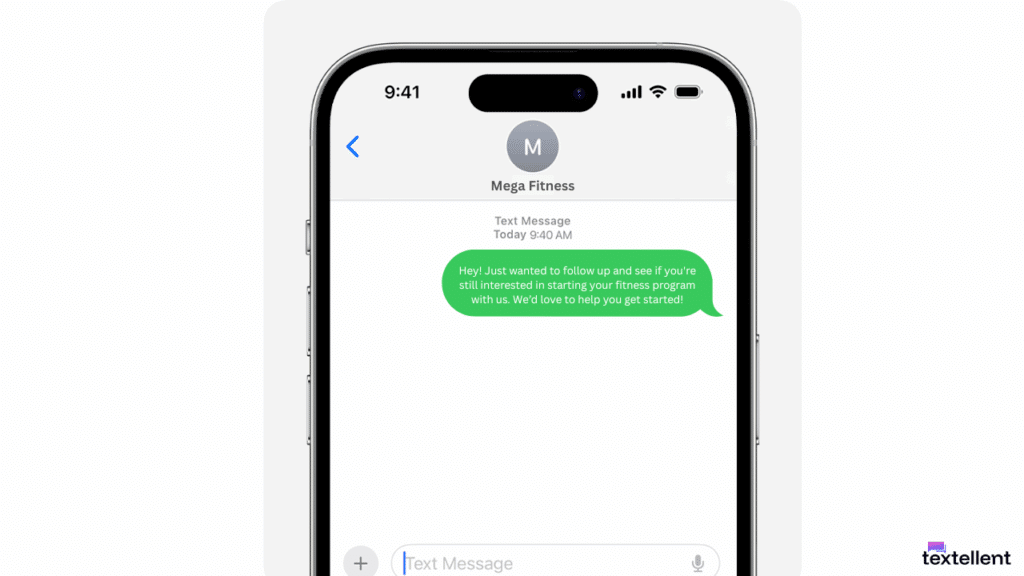
In these cases, the iPhone sends the text through the carrier’s SMS route so the message still goes out.
When this happens, the bubble turns into green messages instead of blue. It shows that the phone used the traditional SMS path rather than the iMessage network with features like read receipts.
If this keeps happening, you can open settings to check your messaging options, or reset settings as a last step if the phone continues to fall back to SMS.
What “Sent as SMS” Means on Android
On Android, this message appears when the phone cannot use the Rich Communication Services (RCS) protocol.
Android tries RCS chat first because it supports typing indicators, longer texts, and enhanced media features that go beyond regular texts.
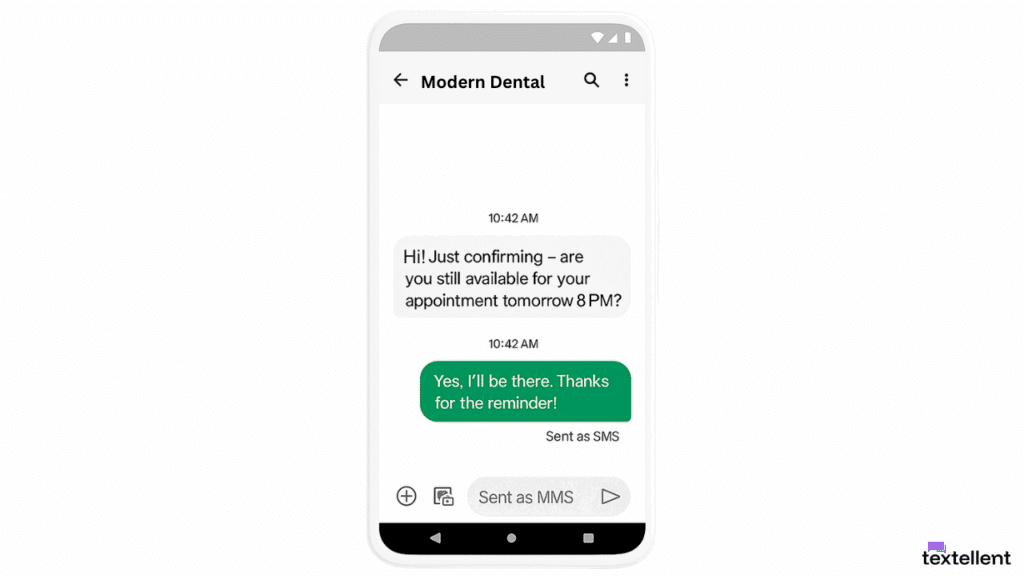
But if the recipient’s phone does not support RCS, or if the signal is weak due to network issues, the phone falls back to SMS.
This happens when the other phone has older software, a different messaging app, or a service gap caused by the wireless carrier that blocks the data route.
Android may also send a text as SMS when the chat system is turned off in the messaging settings or when the carrier has a short delay in the data path.
You can check your chat feature status by tapping your profile icon in the upper right corner of the app and reviewing RCS settings. The device moves to the steady tower route, so the message still goes out.
High-Volume Texting Calls for a Purpose-Built Setup
When your team sends texts from separate devices, it becomes hard to keep threads in order and even harder to manage personalized messages at scale.
Phones also freeze, drop signal, or slow down during busy hours, which leads to missed replies, delayed sends, and lost follow-ups.
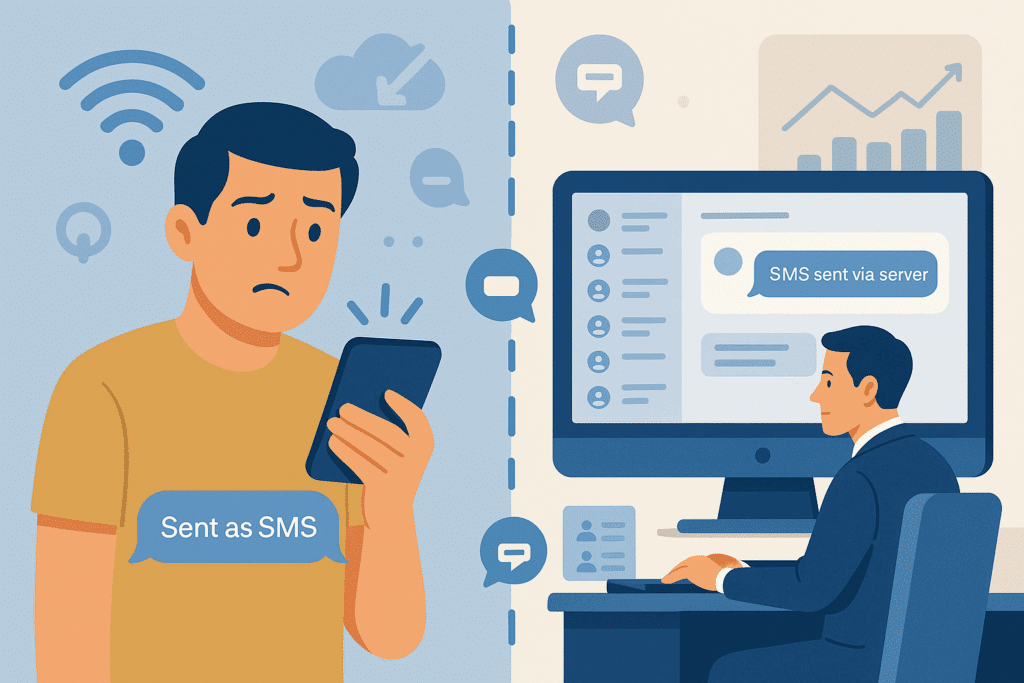
Rather than relying on individual phones, you can use structured messaging software to manage communication. A text marketing platform removes the hassle that comes from juggling phones and makes it easier for each sender to work in a steady flow.
Textellent helps you send messages through a dedicated SMS server infrastructure, which allows you to reach large contact lists without encountering device issues.
It also keeps all text messages organized, searchable, and accessible, with added features like intelligent SMS scheduling, delivery tracking, and complete message logs.
Sign up for free with Textellent now!
Why Send SMS via a Server?
If you’re texting for business marketing to reach customers, sending SMS via a server gives you more control, better performance, and far less manual effort.
Instead of using a mobile phone to send one message at a time, you can manage your communication through a dedicated system. It delivers messages to your entire list, even when some contacts still use regular SMS.
Here’s why sending SMS via a server is the better choice for your business:
- When you’re dealing with thousands of customers, a system that supports multiple recipients is a practical option.
- It becomes easier for your team to track and analyze SMS delivery reports.
- You can manage SMS campaigns, send automatic text reminders, and personalize texts without relying on different Android devices or message threads.
- You can also automate follow-ups, filter contacts, and manage compliance without needing technical skills or software installs.
If you’ve been relying on mobile phones to run your communication, shifting to a server-backed system gives you the consistency and tools you need to scale.
Textellent Supports Server Messaging for Your Business
When you’re sending high volumes of SMS messages, you need more than just a basic texting app. You need a complete platform that’s built for performance, compliance, and customer engagement.
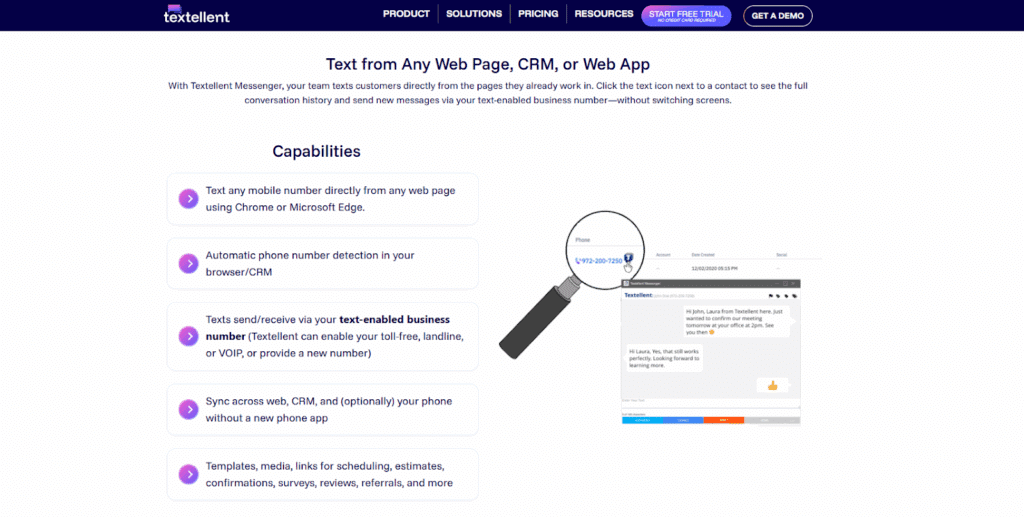
Textellent uses secure, cloud-hosted servers to route messages to recipients and avoid delays caused by phone issues like a weak network connection, low storage, or app cache crashes.
It gives your team a smooth flow even when some customers still use standard SMS on older devices.
Messages are sent as SMS from your business number via the cloud with 99.99% uptime on a high-capacity network. It supports MMS messages, giving you more flexibility with the type of content you send.
Textellent lets you plan and automate text messages in advance. You can build SMS drip campaigns for follow-ups or reminders, all designed to keep a smooth messaging experience for your contacts.
Once set up, these campaigns run automatically, whether you’re sending messages for promotions, follow-ups, or appointment reminders.
SMS automation improves your texting experience and lets you scale across multiple servers. Messages can be triggered by user behavior or lead status, giving you a hands-off way to engage your audience with timely information.
Since SMS compliance is a critical part of business texting, Textellent includes several tools to help you meet legal and industry standards.
It automatically manages opt-outs and uses artificial intelligence to detect negative responses that may indicate a user wants to opt out, even if they don’t say “STOP.”
See the Power of Server-Based Messaging With Textellent
If you’re still relying on phones or basic messaging apps to manage customer communication, it may be time to rethink your approach.
Server-based messaging offers a more dependable way to connect with your audience without relying on individual devices or inconsistent mobile data access.
Textellent makes server message delivery simple and accessible for growing businesses. Instead of sending one message at a time, you can create campaigns, schedule SMS texts, manage opt-outs, and analyze campaign performance from one dashboard.
The platform’s web dashboard allows for full campaign control, and its mobile tools support on-the-go replies, contact management, and notifications. It’s easier for your staff to stay engaged with customers without being tied to a physical office or a specific device.
With Textellent, your business can move faster, save time, and maintain better visibility over every message sent.

If you’re ready to bring more structure to your messaging process, sign up for a free trial or book a demo with Textellent today!
FAQs About Sent as SMS Meaning
What does it mean when I text someone and it says sent as SMS?
A few reasons include the recipient isn’t using Rich Communication Services (RCS), or there’s no active internet connection via Wi-Fi or cellular internet.
If the iPhone user on the other end is offline or the system is temporarily unavailable, the phone switches from data-based instant messaging to standard short message service (SMS) delivery.
In some cases, a server notification may appear depending on the app you use.
When that happens, your phone falls back to SMS unless you’ve turned off SMS fallback for tighter control. This message can also appear due to a temporary bug, device settings, or app issues, especially on Android phones using Google Messages.
Does “sent as SMS” mean I’m blocked?
No, SMS via server message does not mean you’ve been blocked. It only refers to how the message was routed, not whether it was accepted or rejected by the recipient.
When your Google Messages or default app on Android phones cannot send a message as RCS messages, it falls back to SMS server messaging or standard SMS routing.
The difference is in the delivery method, not in the recipient’s actions. All this means is that the system used traditional texts instead of advanced chat features.
Does sending as SMS mean their phone is off?
Not necessarily. It can mean the recipient’s phone is off, out of signal range, or not connected to the internet. It can also mean their device does not support RCS or that data-based messaging was temporarily unavailable.

Get Started with Business Texting
Simple to launch, built to scale. Try Textellent FREE for 14 Days
Start Free Trial