

Automate Your Microsoft Excel (OneDrive) Data with an SMS integration

Automate personalized messages, reminders, and campaigns across all customer data within your Microsoft Excel (OneDrive) files.

Making Excel (OneDrive) Work Better for You

Easily connect Excel (OneDrive) to Textellent’s business texting platform to automate SMS reminders, campaigns, and customer engagement at scale.

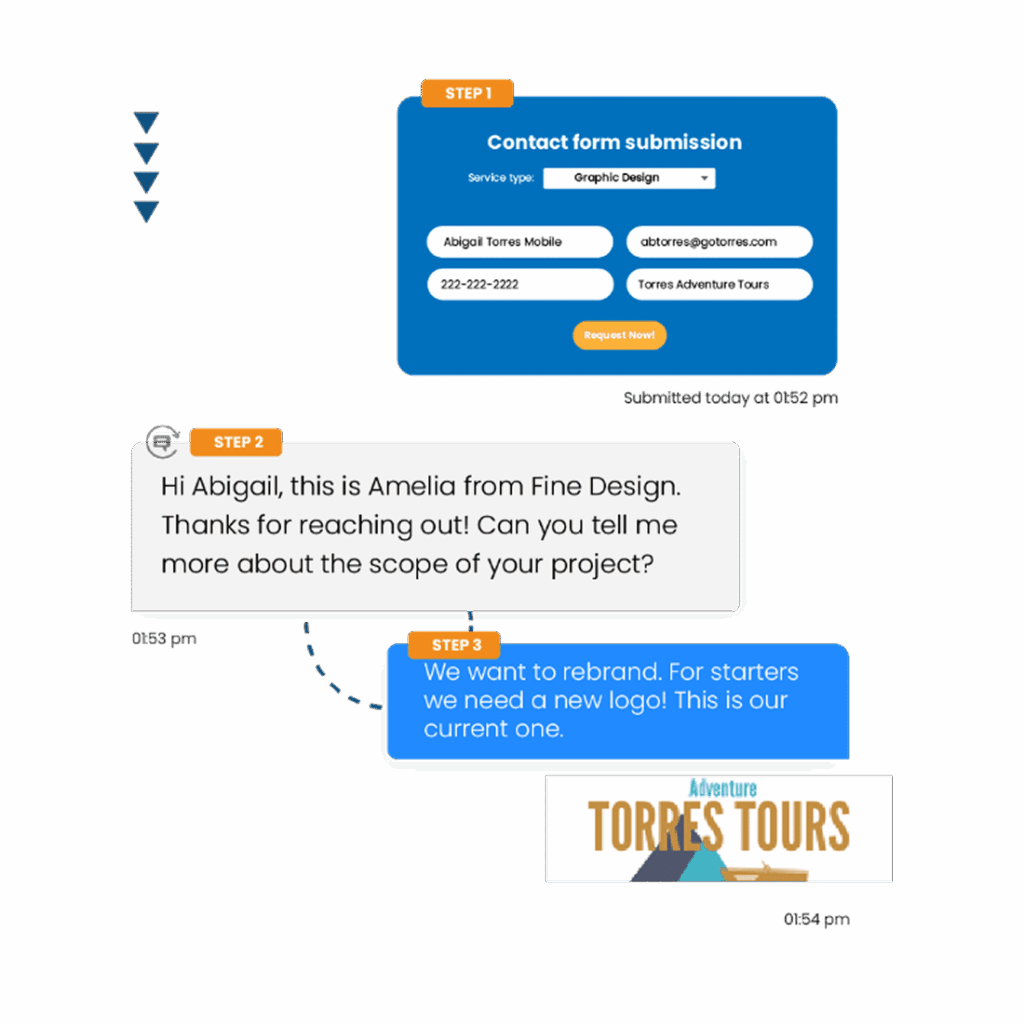
Send Targeted Texts from Excel

Send personalized text messages to your contacts directly from your Microsoft Excel files in OneDrive, using Textellent to boost engagement and communication.

98%

of texts are read immediately

70%

of consumers want to text businesses

40%

of consumers said they have tried to text a business

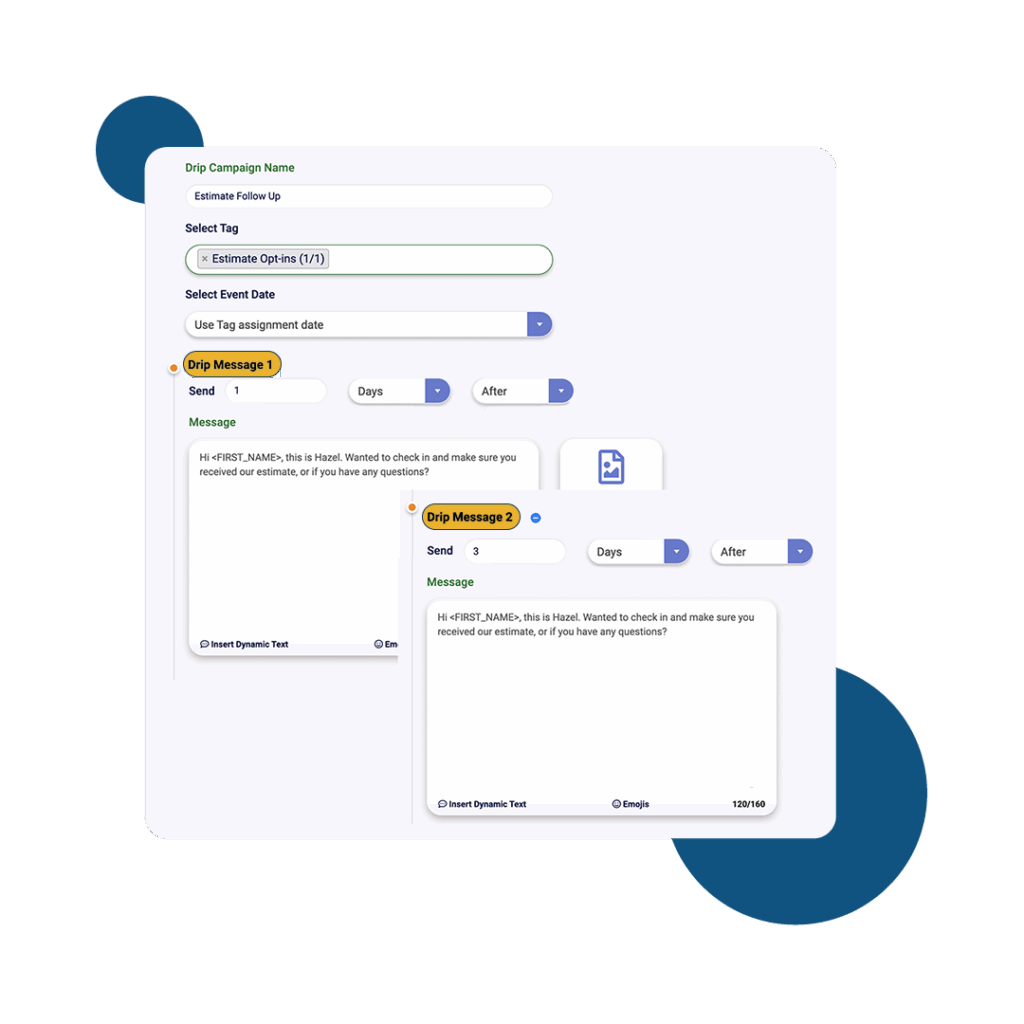
Automate Follow-Ups from Excel Lists

Schedule and manage follow-up messages to contacts stored in your Microsoft Excel files on OneDrive, helping you maintain consistent communication and drive better results.

Everything You Need to Scale SMS

Read Our Blog

15 Promotional Message Examples to Capture Customers

15 Promotional Message Examples to Capture Customers

Customers decide whether to engage with your brand in just a few seconds. That’s why your promotional texts…

Read More →
How to Build a Successful SMS Campaign in 10 Quick Steps

How to Build a Successful SMS Campaign in 10 Quick Steps

Learn how to build a successful SMS campaign with ease and explore the ten steps to do it.…

Read More →
10 Best Postscript Alternatives for Sales-Driven SMS Campaigns

10 Best Postscript Alternatives for Sales-Driven SMS Campaigns

Explore the ten best postscript alternatives for sales-driven SMS campaigns. Discover what makes Textellent stand out as the…

Read More →

READ

OUR BLOG

Woman reading an SMS on her phone

15 Promotional Message Examples to Capture Customers

A group of friends receiving a text message

How to Build a Successful SMS Campaign in 10 Quick Steps

Learn how to build a successful SMS campaign with ease and explore the ten steps to do it. Discover how Textellent can help you set it up.
postscript alternatives

10 Best Postscript Alternatives for Sales-Driven SMS Campaigns

Explore the ten best postscript alternatives for sales-driven SMS campaigns. Discover what makes Textellent stand out as the best alternative available.

Everything You Need to Text at Scale

  • Textellent Messenger

    The Textellent Messenger is a Chrome extension that lets your team text inside the apps you already use—no code, no tab-switching. View full conversation history, reuse approved templates and media, and keep replies organized in a shared inbox.

    Learn More >
  • Integrate SMS

    Textellent integrates with 800+ apps—CRMs, schedulers, forms, and payment platforms—so data flows in and texts go out at the perfect moment. Map fields once, tag contacts consistently, and keep systems in sync.

    Learn More >
  • Automations

    Turn common events into automatic SMS touchpoints: new leads, appointments, payments, status changes, and more. Build simple, rules-based flows that send the right text and follow-ups without manual work.

    Learn More >
  • Franchisor Module

    The Franchisor Module gives franchisors clear visibility across locations while empowering franchisees to execute consistent, on-brand texting that drives growth. Scale what works and spot where support is needed—fast.

    Learn More >
  • AI Rewriter & Translate

    Instantly polish your texts and translate them into different languages, making communication faster and more accessible.

    Learn More >
  • Mobile App

    Keep conversations moving on the go. The Textellent Mobile app brings your shared inbox to iOS & Android with real-time push notifications, quick-reply templates and media, conversation assignment, and full sync to your CRM—so nothing slips through when you’re away from your desk.

    Learn More >

Get Started with Business Texting

FAQs About Microsoft Excel (OneDrive) Integration

How do updates in Excel sync with Textellent campaigns?
When an Excel file on OneDrive is updated, linked Textellent campaigns automatically reflect those changes to keep contact data current.
Can I trigger automated texts from Excel data changes? +
Yes, you can trigger automated texts from Excel data changes on OneDrive by connecting Excel to an SMS platform using integrations.
Can I use Excel filters to segment contacts for texting? +
Yes, you can use Excel filters on OneDrive to segment contacts for texting by sorting or filtering based on specific criteria.
Can I sync Excel contact deletions with Textellent automatically? +
Excel contact deletions on OneDrive do not automatically sync with Textellent. Manual updates are needed to reflect deletions.