

Streamline Your SurveyMonkey Feedback With an SMS integration
Textellent automates SurveyMonkey feedback requests, reminders, and follow-ups, enabling segmented campaigns and boosting response rates across workflows.
Hey, connect SurveyMonkey with Textellent to instantly automate SMS follow-ups, reminders, and feedback requests using powerful business texting tools.
of texts are read immediately
of consumers want to text businesses
of consumers said they have tried to text a business
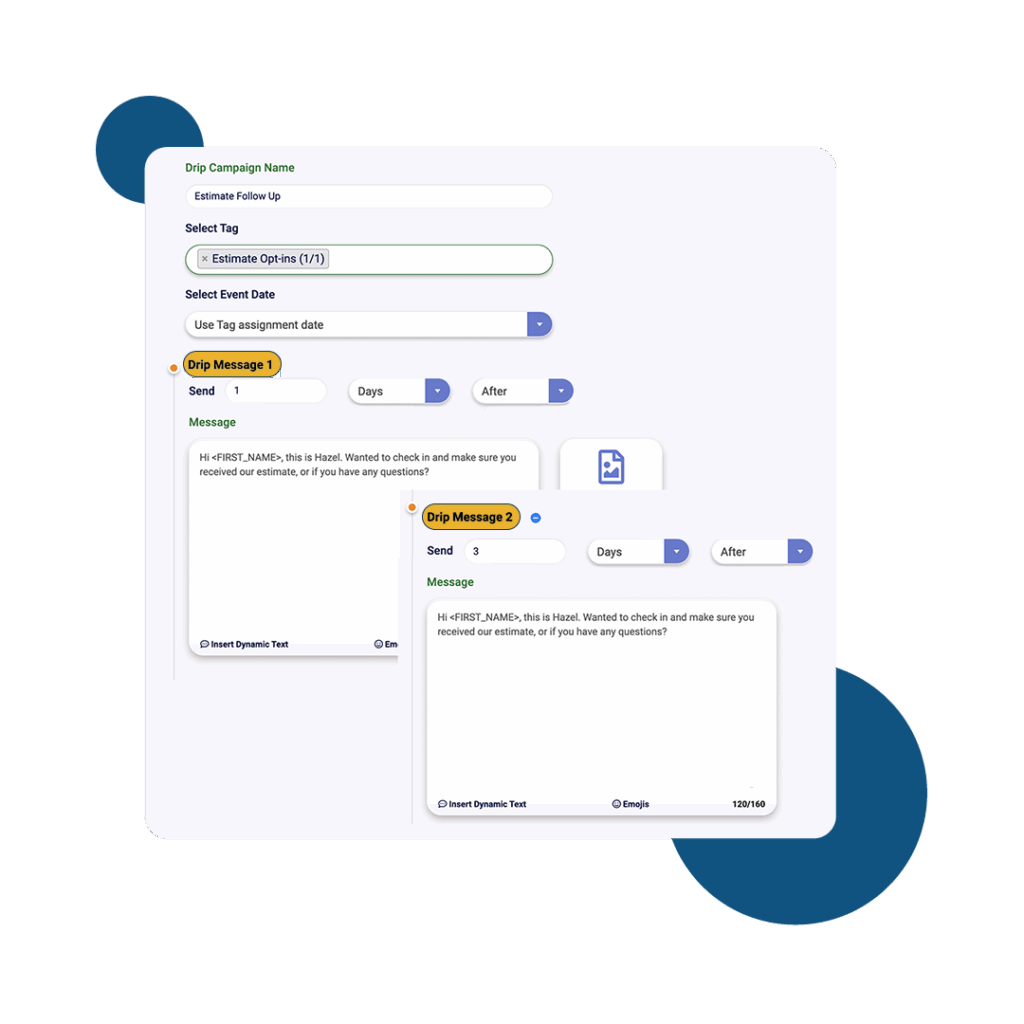
Textellent lets you automate follow-up messages for your SurveyMonkey surveys, helping you boost engagement and collect more responses from your audience.
A complete business texting platform — not just another messaging app.
The Textellent Messenger is a Chrome extension that lets your team text inside the apps you already use—no code, no tab-switching. View full conversation history, reuse approved templates and media, and keep replies organized in a shared inbox.
Learn moreTextellent integrates with 800+ apps—CRMs, schedulers, forms, and payment platforms—so data flows in and texts go out at the perfect moment. Map fields once, tag contacts consistently, and keep systems in sync.
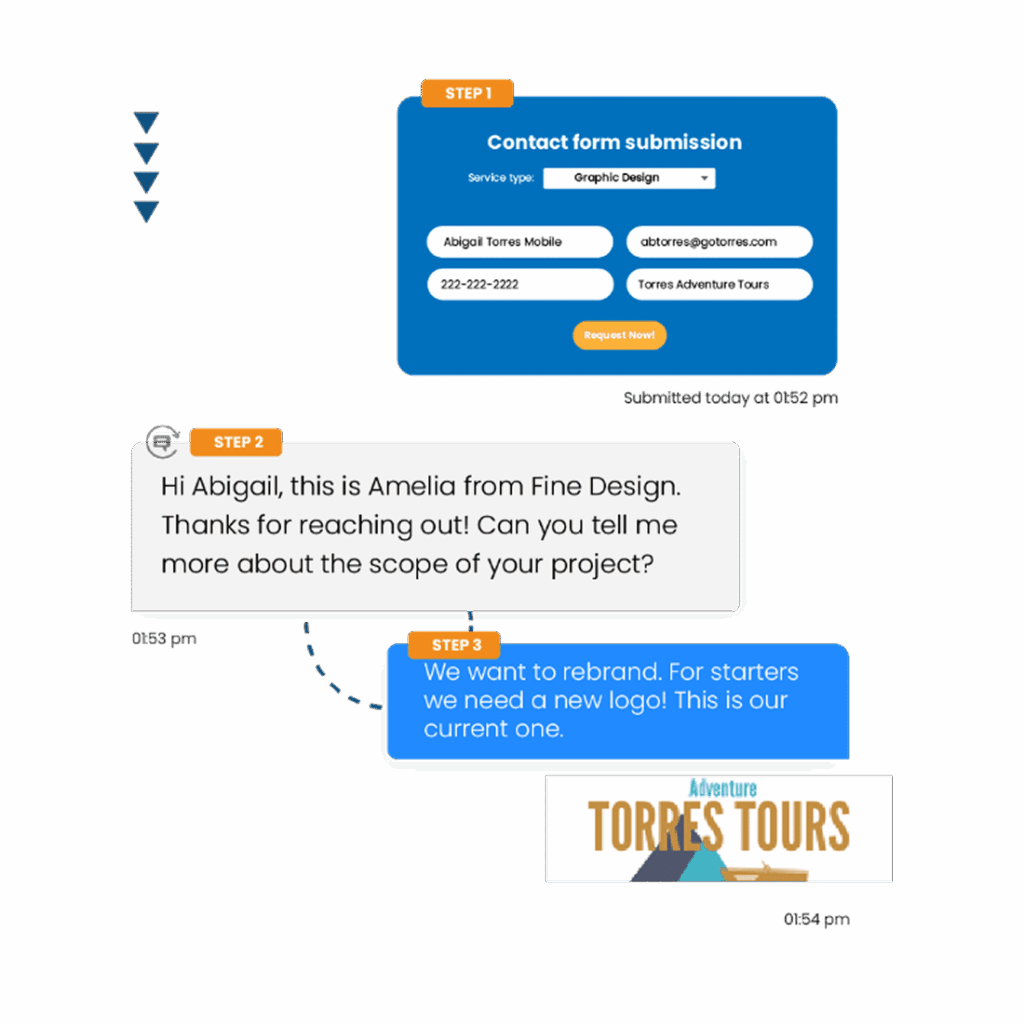
Learn moreTurn common events into automatic SMS touchpoints: new leads, appointments, payments, status changes, and more. Build simple, rules-based flows that send the right text and follow-ups without manual work.
Learn moreThe Franchisor Module gives franchisors clear visibility across locations while empowering franchisees to execute consistent, on-brand texting that drives growth. Scale what works and spot where support is needed—fast.
Learn moreInstantly polish your texts and translate them into different languages, making communication faster and more accessible.
Learn moreKeep conversations moving on the go. The Textellent Mobile app brings your shared inbox to iOS & Android with real-time push notifications, quick-reply templates and media, conversation assignment, and full sync to your CRM—so nothing slips through when you're away from your desk.
Learn moreEnter your email, and we'll send tips, templates, and examples you can use immediately.