
Top 7 Patient Appointment Reminder Software Tools in 2026
Missed appointments are a common problem for clinics and service-based practices. When patients don’t show up, it leaves gaps in the schedule and leads to lost revenue that’s hard to recover.
Some clinics still rely on manual reminder calls and follow-up phone calls to keep appointments on track. It takes time, and even then, patients can still miss their visits.
Patient appointment reminder software helps solve that.
You can send SMS or email reminders, or even automated voice calls, at the right time. Patients get a quick nudge, so it’s easier to book appointments, stay on schedule, and reduce no-shows while reaching more patients.
In this guide, we’ll cover the seven best patient appointment reminder software tools that help manage missed appointments and what to check before choosing one.
TL;DR
These are the best appointment reminder software tools for fewer no-shows in 2026:
-Solutionreach
-NexHealth
-OhMD
-Klara
-Weave
-SimplePractice
Why More Clinics Are Using Text Reminders
Clinics are starting to rely more on text messages to handle daily patient communication. It matches how people respond today and makes it easier to keep appointments on track.
A big reason is that phone calls take time and often go unanswered. Patients miss the call or plan to call back later, then forget. A short message is easier to notice and act on, so patients can confirm, reschedule, or reply with a quick question right away.
For staff, it also changes how work gets done. Instead of calling each patient one by one, all messages stay in one place. It’s easier to track replies and send a quick follow-up when needed.
Reminder timing also helps. When patient reminders go out at the right time, fewer appointments are missed. Less time chasing responses means more focus on the day’s schedule, which helps with reducing administrative workload.
It also creates a better patient experience. Patients get updates they can act on right away, so communication feels quick and easy.
7 Best Patient Appointment Reminder Tools Worth Considering
How a tool handles reminders and appointments shows up pretty quickly once you start using it. It can either make your day easier or add more work.
Here are seven options worth checking:
1. Textellent
Textellent is built for clinics and appointment-based businesses that want a simple way to handle patient communication in one place. You can send and receive texts from your existing business number, so there is no need to switch platforms or manage new lines.
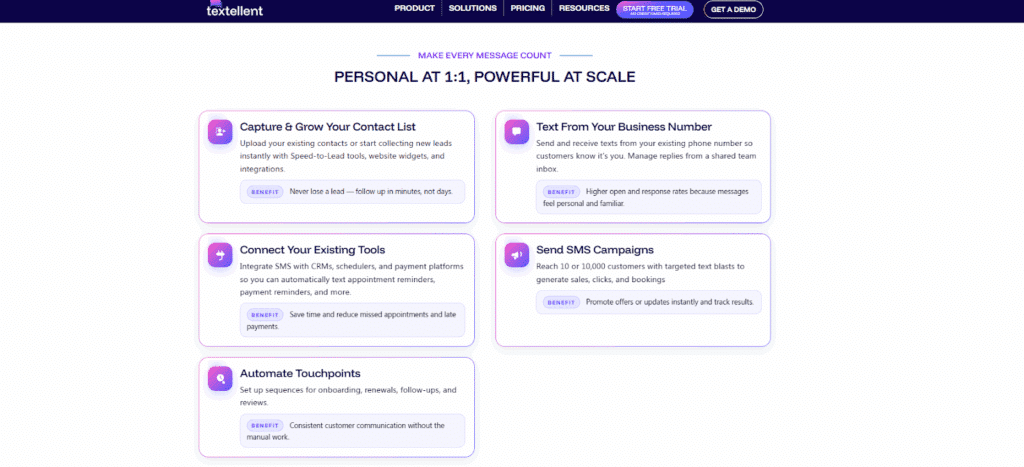
All conversations stay in one shared inbox. Your team can see messages, reply quickly, and keep track of every interaction in one place. This makes it easier to avoid missed messages and slow follow-ups.
You can also send bulk SMS campaigns for promotions, updates, or reminders. Messages go out in minutes, and responses come back in the same thread, so conversations stay organized.
SMS automation takes a lot of the pressure off reminders. Messages can go out ahead of time or automatically based on booking times. Patients stay on track and can help cut down missed visits without adding more to your team’s workload.
Textellent also connects with over 800 apps, which means it can fit into your existing workflow. You can sync contacts, trigger messages, and keep your data consistent across systems.
It also syncs with major calendars like Google Calendar, Outlook Calendar, and Apple Calendar, so appointments and availability stay up to date.
What stands out is how people respond to text. Most are read right away, and patients are more likely to reply compared to email or phone calls. This makes Textellent a strong option for clinics that want faster responses and better attendance rates.
Textellent is best for clinics and service-based businesses that want an easy way to send appointment reminders, manage conversations, and reduce missed visits through text messaging.
Key Features
- Send texts from your existing business number
- Keep conversations organized in one shared inbox
- Take reminders off your plate with automation
- Make it simple for patients to confirm or change appointments
- Reach many patients at once with bulk messaging
- Connect everything with 800+ integrations
- Keep your calendar in sync with Google, Outlook, and Apple
- Adjust messages fast with built-in AI rewrite and translation
Sign up for a free trial or request a demo session right now for an easy way to keep your schedules full and cut down on no-shows!
2. Solutionreach
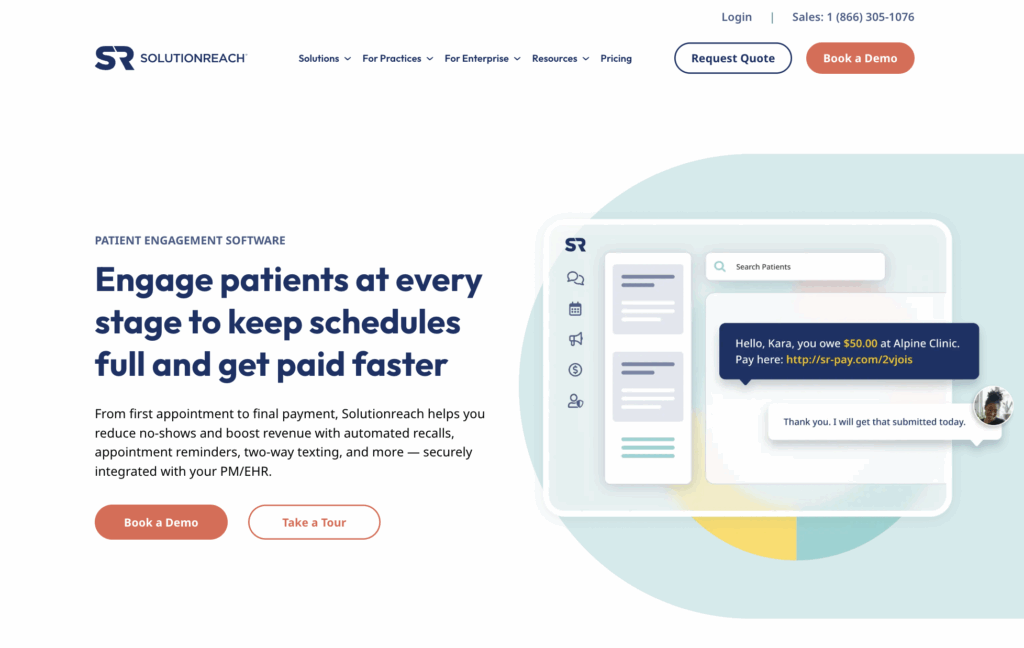
Solutionreach is built for dental, medical, and specialty clinics with busy schedules that want to keep appointments full without relying on phone calls all day.
Source: solutionreach.com
It lets you send text and email reminders to patients so they do not have to call you again. Patients can get complete information about their appointments in each message, so they know what to expect when they get there.
Staff can use message templates with specific instructions, so they don’t have to write the same updates over and over. It connects with practice management (PM) and electronic health record (EHR) systems, which helps if your office already uses one and doesn’t want to switch tools.
Key Features
- Simple way to send appointment reminders by text and email
- Ready-to-use message templates for daily workflows
- Includes appointment details in every message
- Supports email notifications and follow-ups
- Works with existing clinic systems
3. NexHealth
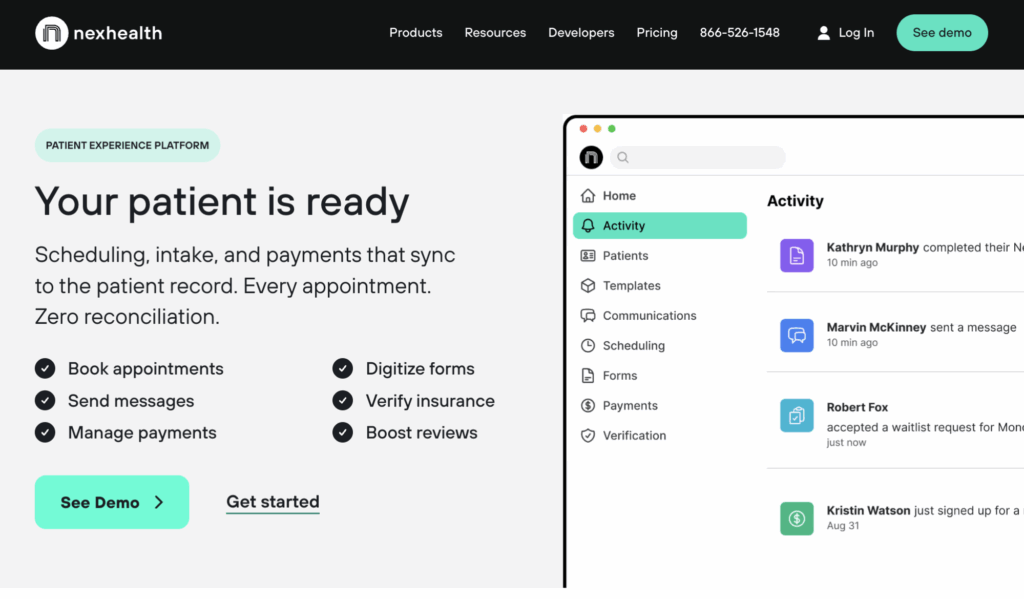
NexHealth focuses on appointment management for clinics that handle a high volume of bookings and want to cut down on front desk work.
Source: nexhealth.com
It connects scheduling, forms, and payments in one system and works alongside your existing practice management software, so appointments and patient records stay in sync.
Patients can book through online scheduling, which helps keep your calendar up to date. When someone cancels, it is easier to fill open slots and keep your schedule full.
Key Features
- Strong appointment management within your existing system
- Syncs with practice management software in real time
- Supports online booking for patients
- Helps fill canceled spots faster
- Keeps schedules updated with less manual work
4. OhMD
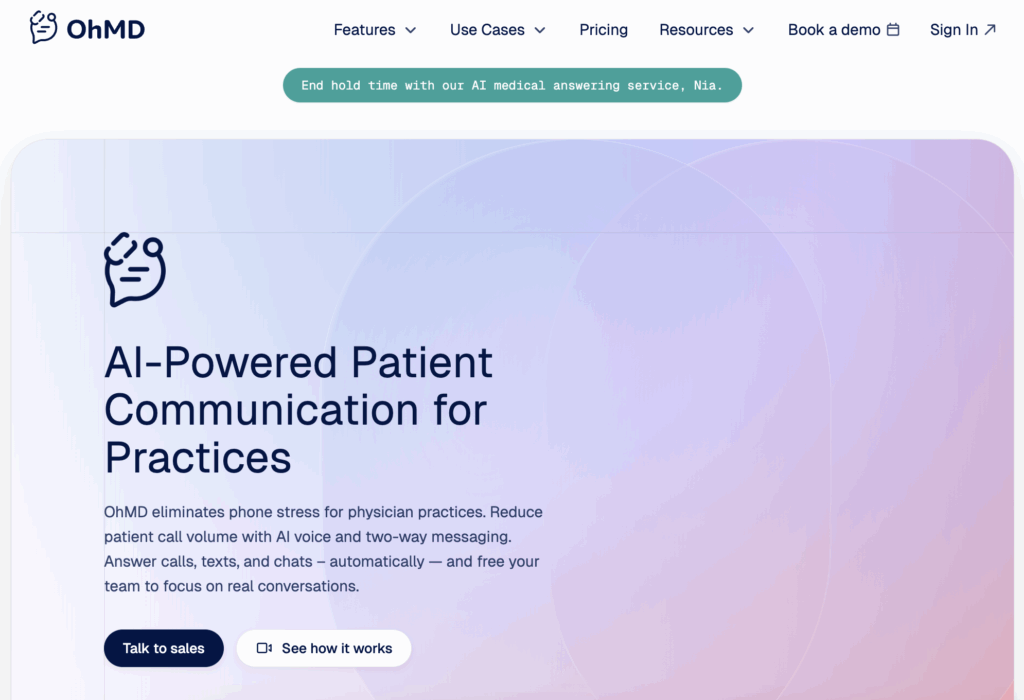
OhMD is built for medical practices that deal with a high volume of patient calls and need a better way to manage patient communication.
Source: ohmd.com
It combines voice AI and automated SMS so routine questions and requests can be handled without tying up the front desk.
Patients can send and receive messages, ask simple questions, and confirm appointments through text instead of calling. More complex cases can still be passed to staff with full context, so nothing gets lost in the process.
Key Features
- Handles client communication between calls and texts
- Uses automated SMS for reminders and replies
- Let patients confirm appointments through messages
- Reduces routine call load for front desk staff
- Keeps patient messages in one place
5. Klara
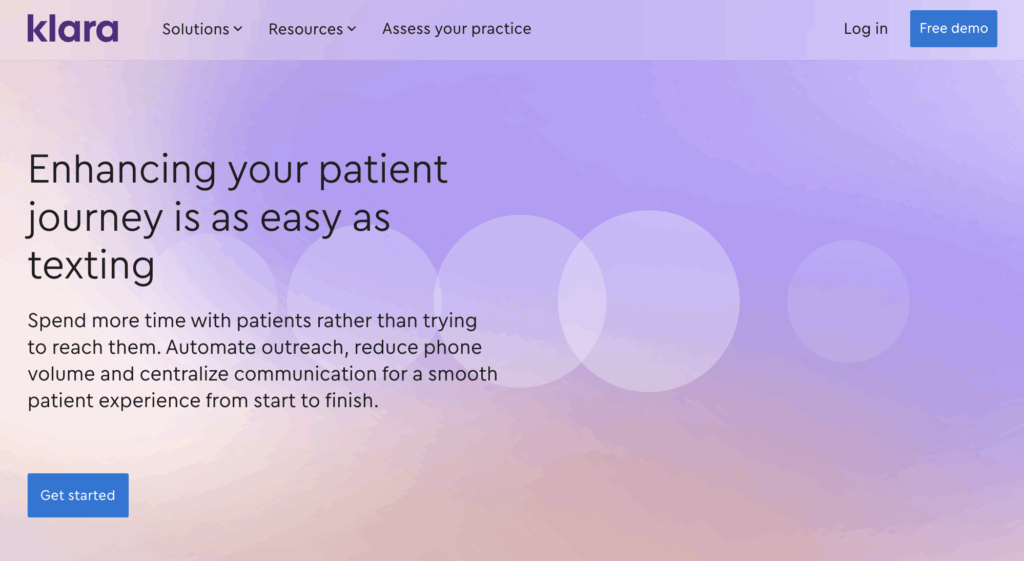
Klara suits medical practices that handle a high volume of patient text messages and want to move more of that communication out of phone calls.
Source: klara.com
It brings conversations, reminders, and follow-ups into one place, so staff don’t have to switch between tools during the day.
It helps with the whole patient journey, from the first contact to notes after the visit. The reminder system includes SMS appointment reminders, two-way texting, and follow-ups, with customization options so messages match how your office already communicates with patients.
Key Features
- Supports the full patient journey, not just reminders
- Built-in reminder system for confirmations and follow-ups
- Flexible customization options for outreach
- Combines text, web chat, and call-to-text
- Helps cut down time spent on phone calls
6. Weave
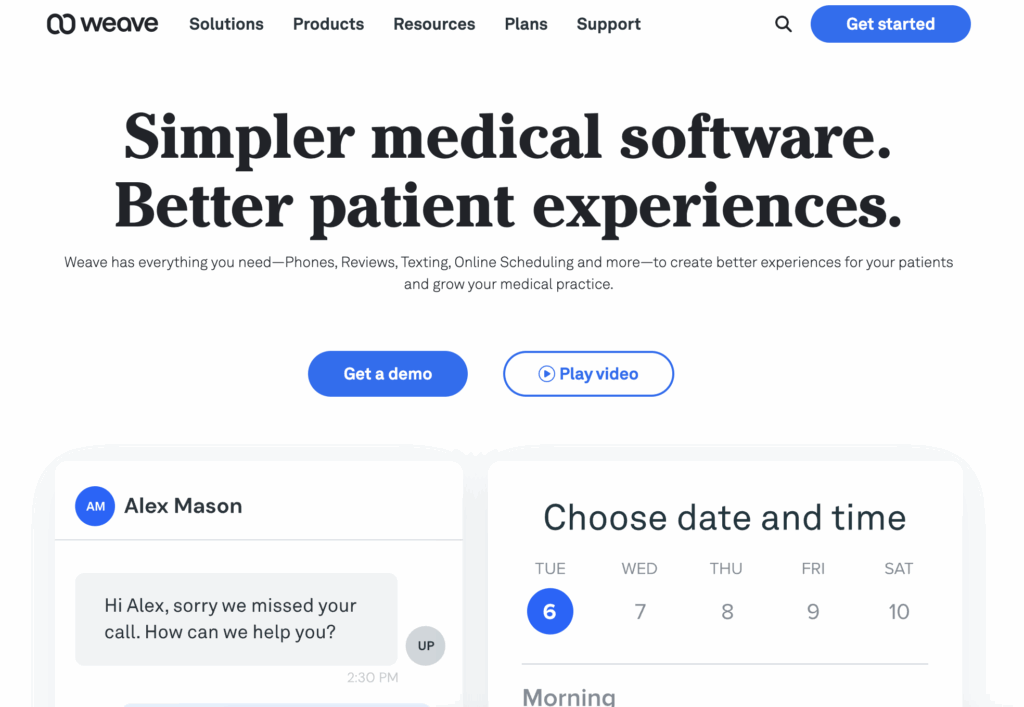
Weave fits medical and dental practices that rely on phone calls but want to handle patient communication in one place.
Source: getweave.com
It combines calling, texting, reminders, and scheduling, so front desk staff don’t have to switch between separate systems during the day.
There’s also a voice call system built in. If a call is missed, patients can get a follow-up text or an automated voice response. Reminders can be tailored by appointment type, so messages match each visit.
Key Features
- Combines voice call, texting, and scheduling in one system
- Supports automated voice replies for missed calls
- Sends reminders based on appointment type
- Includes online scheduling and waitlist tools
- Keeps patient communication in one place
7. SimplePractice
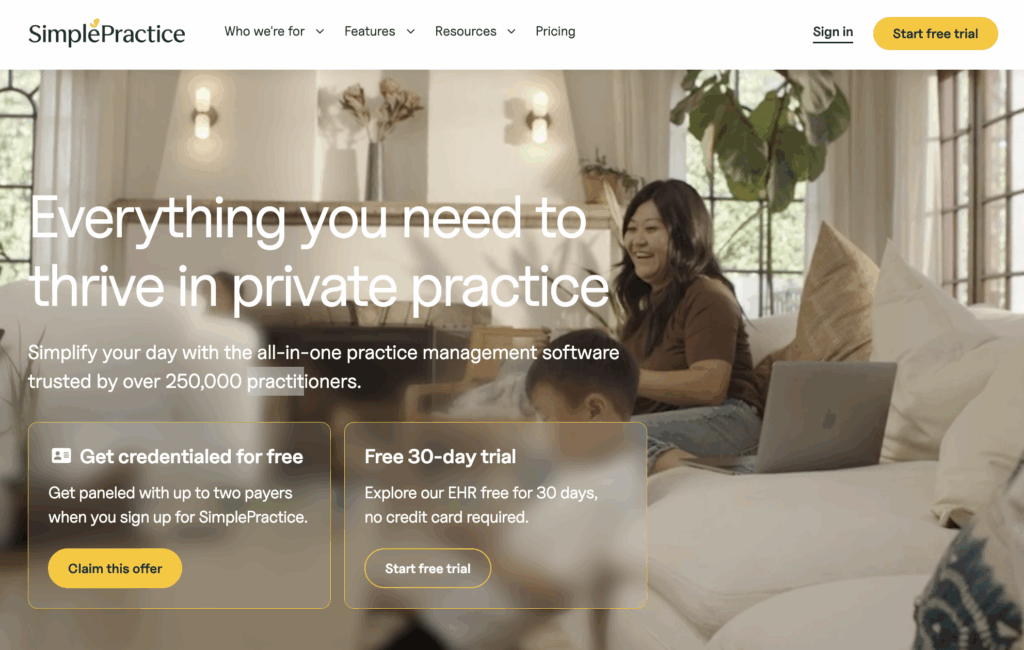
SimplePractice is commonly used by therapists and solo practitioners who want one system to manage scheduling, notes, and billing in one place.
Source: simplepractice.com
It functions as a full practice management system, so everything stays organized in one place. There’s no need to rely on separate tools.
SimplePractice also includes built-in reminders for different appointment types, so patients get notified before their visit. This helps keep schedules steady and gives providers more time to focus on patient care.
Key Features
- Built-in reminders that adjust based on appointment type
- Sends alerts before every upcoming appointment
- Works well for solo practitioners and small practices
- Allows unlimited users as your practice grows
- Brings scheduling, billing, and notes into one system
Features That Matter Most in Patient Appointment Reminder Software
The right features help you stay on top of appointments and keep patients informed. Here’s what good appointment reminder software should handle in your day-to-day work.
Automated Reminders for Upcoming Appointments
Automatic appointment reminders take one thing off your plate. Instead of tracking every visit, the system sends SMS or email reminders for you.
You can choose when reminders go out, whether it’s a day before or a few hours ahead. Each message includes the appointment details, so patients know exactly when to show up.
When appointment reminder text messages are sent on time, fewer appointments are missed, and your day runs more smoothly.
Two-Way Messaging for Faster Patient Responses
Two-way messaging turns reminders into real conversations. Patients can easily confirm or reschedule without needing to call your office.
It also makes quick back-and-forth possible. Patients can ask a question or update details with a short message and get a reply without waiting.
The easier it is to reply, the more patients will respond. This keeps communication active and helps you stay on top of your schedule.
Confirmation Tracking That Keeps Schedules Accurate
Confirmation tracking shows who has confirmed, canceled, or has not replied yet. You can see what your schedule looks like without guessing.
When someone has not responded, you can follow up before the time slot is lost. That helps cut down last-minute gaps and keeps your calendar more stable.
Rescheduling Tools That Help Fill Open Time Slots
Rescheduling tools let patients change their appointments without needing to call your office. With built-in links, they can pick a new time in just a few taps.
If a patient cancels, the system can prompt rescheduling or help you reopen that slot right away. That makes it easier to fill gaps before they turn into lost time.
A Shared Inbox for Better Team Communication
A shared inbox keeps all patient messages in one place. You don’t have to check different tools or miss a reply.
Staff can see conversations, respond, and pass messages to the right person. This keeps the office manager and staff on the same page, so customers do not get mixed messages.
How to Choose the Right Appointment Reminder Tool
Before choosing a tool, take a step back and look at how your appointments and communication actually run today. That will help you find something that fits your workflow.
Start With the Way Your Practice Handles Appointments
Start with how your business handles appointments today. Look at how bookings come in and how your schedule is managed each day.
Think about volume and how often patients come in. Some days may be packed, while others are lighter, and that affects how reminders and follow-ups should work.
You should also consider the different appointment types you handle. A quick visit is not the same as a longer session that needs prep or extra time.
Match the Tool to Your Communication Style
Start with how your clients expect to hear from you. In some offices, most replies come through text. In others, email or phone is still part of the daily routine.
Different tools handle communication in different ways, with options that include SMS, email, and call support.
It helps to stay close to what your office already uses. Big changes in how messages are sent can slow things down at first and create confusion for patients.
Make Sure It Supports Compliance and Security
Compliance and security should be part of your decision from the start, especially for healthcare providers handling patient data.
Check if the platform can offer HIPAA compliance or support the standards needed to protect patient information. It should also be HIPAA compliant in how it handles messages and data.
Ask if the provider can sign a business associate agreement (BAA), which is a basic step when working with patient information.
Look Beyond Basic Reminders
Basic reminders cover one step. Better tools support the full patient journey, from booking to follow-up after the visit.
Look for systems that handle ongoing communication, not just one-time alerts. Follow-ups, updates, and simple check-ins keep patients engaged after the appointment.
Avoid generic tools that stop at sending one reminder. Unlike generic tools, stronger platforms keep communication going and keep staff on the same page.
Try the Platform Before You Commit
A demo or trial shows how the system works in your daily work. You can test bookings, reminders, and replies before making a decision.
Onboarding should be simple. You should be able to send automated reminders and manage messages without slowing things down.
Take a look at the customer support as well. If something goes wrong, you want help right away. A short trial helps you figure out if it’s the perfect platform for your workflow.
Keep Patient Reminders Simple and Consistent With Textellent
If missed appointments are starting to pile up or your staff is spending too much time chasing confirmations, it may be time to change how reminders are handled.
The right appointment reminder software helps you send reminders, reduce no-shows, and keep patient communication simple.Textellent focuses on what most clinics need. Two-way texting, automated reminders, and a shared inbox keep everything in one place so you can reply faster and stay on track.

It works well for practices that want a simple way to manage reminders and follow-ups without adding more work.
Sign up for a free trial or request a demo consultation today!
FAQs About Patient Appointment Reminder Software
Can patients confirm or reschedule by text?
Yes. Most tools let patients reply to a message to confirm or reschedule. They can send a quick response instead of calling your office, which makes it easier to keep appointments on track.
How often should appointment reminders be sent?
It depends on your schedule, but a common setup is one reminder a day before and another a few hours before the visit. This timing helps patients remember without sending too many messages.
What types of reminders can be sent to patients?
You can send SMS reminders, email reminders, and even voice calls. Each message can include the appointment time, date, location, and any quick instructions patients need before they arrive.
How do automated appointment reminders work?
Once an appointment is booked, the system sends reminders based on the timing you set. You don’t have to send each message yourself. Everything runs in the background and keeps patients up to date.

Get Started with Business Texting
Simple to launch, built to scale. Try Textellent FREE for 14 Days
Start Free Trial