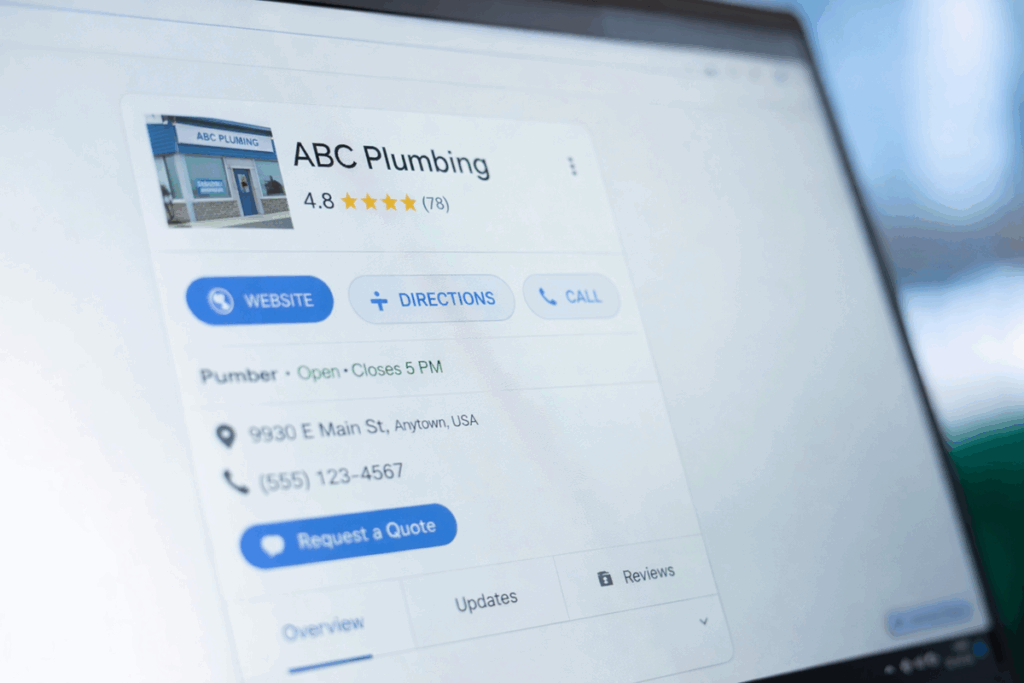
Review request automation helps businesses collect customer feedback through SMS by sending timely review invitations after key interactions. It turns routine follow-ups into a simple, automated flow that keeps messages consistent while reducing manual work for teams. This guide outlines how Review request automation functions in everyday texting workflows and when it makes the most sense to use it.
Review request automation is a feature that sends review invitations to customers automatically after certain events, such as a purchase or completed appointment.
It operates within SMS communication by generating and sending prewritten text messages that contain a review link, timing them based on triggers you define.
The system depends on customer contact details, event data, and basic rules like delays or specific conditions that decide who receives a message and when.
It pulls this information from your CRM, booking tool, or order system, then formats a consistent, compliant SMS for each recipient.
This automation affects the final message by making it timely, relevant, and consistent without extra manual work.
It also helps customers experience a smooth, predictable flow from service completion to review, which supports higher response and satisfaction.
Using Review Request Automation to Capture More Feedback
Review request automation is especially useful in time-sensitive moments when a customer has just interacted with your business and their experience is still fresh. It fits naturally after services like home repairs, personal care appointments, or deliveries where quick feedback helps teams respond to issues before they escalate. By standardizing timing and content, it improves clarity so customers immediately understand what is being asked and how to respond. Operational teams benefit from efficiency as follow-ups happen automatically instead of relying on staff to remember each message. Careful use of templates and short, friendly wording keeps the SMS personal while still supporting compliance with opt-out rules and local regulations. Over time, this consistent flow of reviews strengthens engagement and reveals patterns that inform real improvements in service.
98%
of texts are read immediately
70%
of consumers want to text businesses
40%
of consumers said they have tried to text a business
Best Practices for Review Request Automation
Review request automation works best when the triggers and timing match real customer touchpoints rather than internal schedules.
Connecting it directly to completed orders, resolved support tickets, or finished visits helps messages feel natural and expected.
Clarity in the text is critical, so keep each SMS short, focused on the review request, and free of jargon that might confuse recipients.
A calm, appreciative tone tends to feel professional, especially when you briefly reference what the customer just experienced instead of using hard-selling language.
Data accuracy underpins everything, so make sure phone numbers, names, and event records in your CRM are correct before messages start sending.
Testing a handful of sample journeys from trigger to delivery helps confirm that links work, timing feels appropriate, and wording still sounds human.
Common mistakes include sending too many reminders, using aggressive phrasing, or ignoring opt-out preferences, all of which can damage trust.
Maintaining simple templates, consistent branding, and clear ownership for monitoring failures keeps review workflows reliable over time.
Everything You Need to Scale SMS
Read
Our Blog
14 Promotional Message Examples to Capture Customers
Keeping in touch with customers is essential for any business looking to succeed. One of...
The Textellent Messenger is a Chrome extension that lets your team text inside the apps you already use—no code, no tab-switching. View full conversation history, reuse approved templates and media, and keep replies organized in a shared inbox.
Textellent integrates with 800+ apps—CRMs, schedulers, forms, and payment platforms—so data flows in and texts go out at the perfect moment. Map fields once, tag contacts consistently, and keep systems in sync.
Turn common events into automatic SMS touchpoints: new leads, appointments, payments, status changes, and more. Build simple, rules-based flows that send the right text and follow-ups without manual work.
The Franchisor Module gives franchisors clear visibility across locations while empowering franchisees to execute consistent, on-brand texting that drives growth. Scale what works and spot where support is needed—fast.
Keep conversations moving on the go. The Textellent Mobile app brings your shared inbox to iOS & Android with real-time push notifications, quick-reply templates and media, conversation assignment, and full sync to your CRM—so nothing slips through when you’re away from your desk.