
Tax Client Portal vs Secure Document Request Link: Which Fits Your Firm?
Tax practices rarely choose between a completely digital office and a completely paper-based one. Most already have a mix of systems: practice-management software, a client portal, email, texting, and a shared folder where somebody tracks missing documents.
 MG
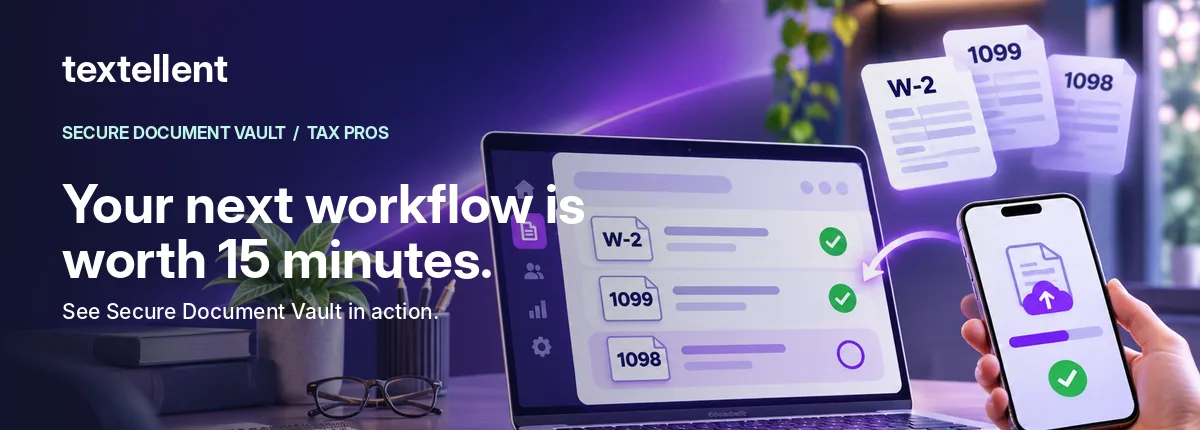
When a client doesn’t send the paperwork, it’s tempting to assume the solution is a new portal. Sometimes it is. Other times, the specific obstacle is smaller: the client needs one clear request they can complete without learning a new system.
What a full client portal is designed to do
A full portal may combine document storage, messaging, forms, e-signatures, payments, organizers, invoices and other account-management tasks. That breadth can be valuable for year-round accounting relationships and clients who actively use the portal.
But broader functionality can come with onboarding steps. Depending on the product, clients may need an account, a password or an app. Those steps are not necessarily bad; they need to match the work a client is trying to complete.
What a secure document-request link is designed to do
A focused document request asks a narrower question: Which files do we need from this client, and which have we received? A link delivered through an approved channel can take the person to a verified upload experience, with item-by-item responses and progress tracking.
It is typically easier to evaluate that workflow through a real client scenario than through a long feature checklist.
Five comparisons that matter
| Test | Full client portal | Focused secure request link |
|---|---|---|
| Breadth | Often covers many client-service tasks | Mainly collection and progress on a specific request |
| Access | May require an account/app | Can be browser-based with a verification step |
| Staff visibility | Depends on the portal implementation | Should show exact requested items and completion |
| Repeat engagement | Useful for year-round relationships | Useful for a particular intake or delivery moment |
| Integration | May connect to other practice systems | Must be verified for each vendor and stack |
Neither column is automatically more secure. Evaluate documented controls and your own firm policies rather than the delivery label.
The hybrid option many firms overlook
You may not need to replace a portal at all. If you have a system that handles engagement letters, e-signatures and billing, a focused document request may complement your intake process. The important question is whether the extra step creates duplication or eliminates it.
Ask vendors to show how a client request is initiated, how received files are organized, and what your staff must do when a document is marked “already provided.” Request a live demonstration of any promised integration before treating it as a purchase criterion.
Where Textellent fits
Textellent Secure Document Vault starts a request with a texted Magic Link. The client enters a six-digit code and four-digit PIN rather than creating a conventional portal account, then uploads from their phone and works through the checklist. The office sees requested items and progress.
That is a sensible workflow to investigate if your clients already respond to texts but struggle with additional portal instructions. It does not mean Textellent replaces every part of a practice-management platform. Use a demonstration to map the precise handoff to your existing systems.
A 15-minute evaluation script
Minute 1–3: Show how a staff member builds the request. Minute 4–7: Watch the experience on a mobile phone. Minute 8–10: Upload an item and mark another not applicable. Minute 11–13: See what office staff see. Minute 14–15: Clarify security documentation, current integrations, retention policies, pricing and the next step.
FAQ
Is a secure link easier than a portal?
It may be for a single, targeted task, but actual usability depends on your clients and workflow.
Can a firm use both?
Potentially, yes. Verify duplication, export needs and the absence/presence of integrations.
Should feature roadmaps affect a decision?
Evaluate live capabilities first and treat future features as uncommitted until contractually confirmed.
Explore the Vault or book an honest side-by-side workflow demo.
Competitor features change. Evaluate each product using its current vendor documentation.