
Tax Client Document Collection Software: What Tax Firms Should Look For
Tax preparation rarely stalls because a tax professional does not know what to do. It stalls because the documents needed to begin are scattered across emails, phone photos, paper folders and a client’s “I’ll send it tomorrow” promise. For a growing tax office, that kind of uncertainty becomes a workflow problem, not simply a communication problem.
 MG
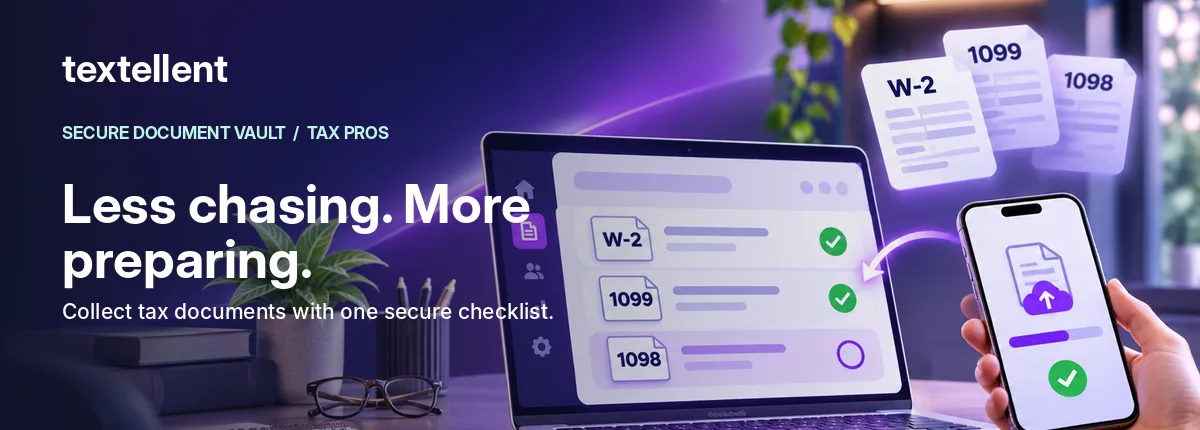
Tax client document collection software should help your team make a clear request, give clients a manageable way to respond, and show staff what is still outstanding. Here is a practical way to evaluate the options before the 2027 filing season.
Start by mapping the problem, not shopping for features
Write down what happens from the first document request through a completed return. Who creates the list? How does the client receive it? Where do uploaded files appear? Can staff tell the difference between not received, already provided, and not applicable? What happens when a client asks a question about a particular form?
If the answers depend on someone checking three separate inboxes, the opportunity is to create a single traceable request. You do not necessarily need to replace a broader tax practice-management system to improve this stage of work.
Six capabilities worth evaluating
1. Reusable document request templates
A firm should be able to create requests for common client profiles, such as a wage earner, self-employed filer or small-business owner. Templates provide consistency, but they should always be tailored to the client’s circumstances. A generic checklist cannot decide which documents a particular taxpayer needs.
2. Client-friendly delivery
Ask whether your clients must install an app, remember a portal password or navigate a complicated invitation. A mobile-browser workflow may reduce friction for people who only need to upload a handful of files, while a full portal may suit clients who use a broad suite of tax services all year.
3. Clear item-by-item status
“Files received” is not the same as “request complete.” You want a visible list that shows which items are missing, complete, already sent or not applicable so that your preparers do not have to decode the status from message history.
4. Questions attached to the right item
A client may ask, “Do you need the donation receipt for furniture?” That conversation is more useful when it is attached to the donation item than when it arrives in an unrelated inbox.
5. Verified access and secure file handling
Tax records contain sensitive information. Avoid requesting full tax returns, SSNs, bank statements or other confidential attachments in ordinary text messages. Evaluate access controls, document retention, permissions, auditability, and the vendor’s actual security documentation. Do not rely on marketing badges without checking the details.
6. A clean handoff to preparation and delivery
The workflow should help staff see when a return can move to preparation, not simply collect uploads. Ask how the completed return or requested file can be returned to the client through an appropriate secure process.
A five-question demo scorecard
Use the same scenario in every vendor demonstration: a client owes a W-2, a 1099 and one mortgage statement. Ask the vendor to show (1) creating the request, (2) client identity verification, (3) mobile upload, (4) the office view of outstanding items, and (5) how the completed return is delivered. Time the steps using a fictional test client and record what actually works.
Avoid assuming a feature exists because it is on a roadmap. If your firm already uses another portal, evaluate whether a new workflow complements the current system or introduces more duplication.
Where Textellent Secure Document Vault fits
Textellent’s Secure Document Vault is built around a request sent by text, verified client access using a one-time code and PIN, a reusable document checklist, and mobile uploads. From the office side, staff can see checklist progress and the items that remain outstanding. Clients do not need to install a separate app to use the document request.
That makes it especially relevant to firms that already communicate heavily by text and want a more organized document-intake step. If your team needs advanced practice management or specific third-party integrations, ask for a live demonstration and written confirmation of the supported workflow rather than assuming the Vault replaces those systems.
FAQ
Is a client portal the same as document collection software?
Not always. A portal may cover invoicing, signatures, messages and broader client activity. A document request workflow focuses on asking for particular files and tracking their completion.
Can clients just send tax documents by email?
Standard email can pose privacy concerns for sensitive data. Evaluate secure transfer options, verified access and your firm’s written information-security plan.
What should we measure?
Track requests sent, first document uploaded, percent of requests with all required items resolved, and time spent following up—without exporting sensitive taxpayer data into marketing analytics.
Next step: See the Secure Document Vault workflow or book a tax-practice demo.
Editorial note: Product features require final Product approval; this article is workflow guidance, not legal or tax advice.