
Secure Document Upload for Tax Clients: A Practical Guide for Firms
When a client asks, “Can I just text you a picture of my W-2?” the convenient answer can create a messy, risky process. Ordinary messages are useful for telling a client what to do next, but they are not an ideal place to gather and organize a complete set of sensitive tax files.
 MG
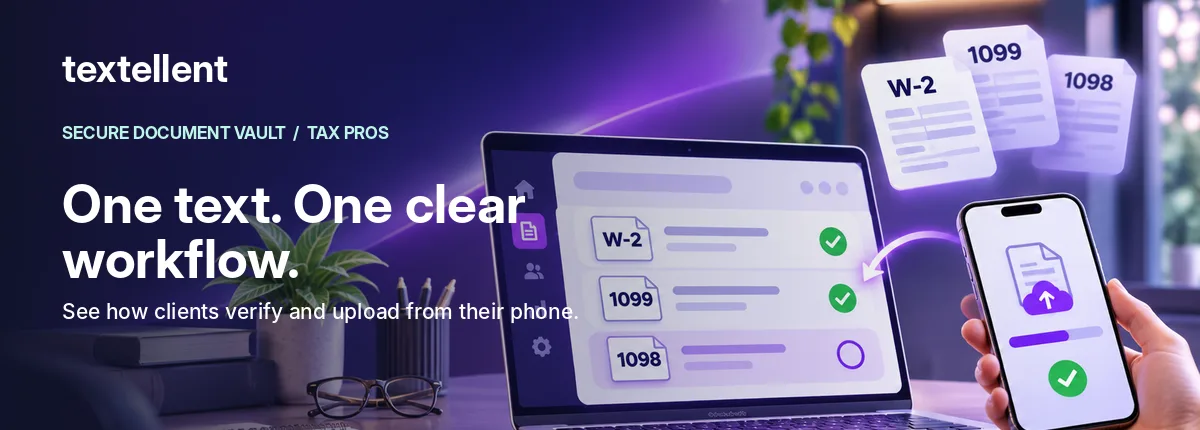
A better approach separates the notification from the file transfer. Use a text message to direct a client to a verified, secure upload workflow, and keep the documents inside a controlled collection process.
Why the distinction matters
Tax forms can include names, identification numbers, wages, banking details and other private information. The IRS advises caution with standard email, which is not encrypted by default. Tax firms should follow their security policies and validate the tools they use for client data.
“Secure” should not be treated as a generic adjective. Ask what controls a vendor has implemented, how identity is verified, who can view documents, what happens when a link expires, and how files are retained or deleted. Product copy cannot replace a security review.
A straightforward tax-document upload workflow
Step 1: Create a specific document request
Instead of “send all your paperwork,” tell clients the information you need. For example, “W-2 from your employer,” “1099-INT from your bank” and “mortgage interest statement, if applicable.” Include a place for questions and documents you did not anticipate.
Step 2: Notify the client without attaching the documents
Send a concise message explaining that their tax preparer has requested documents and how to access the upload workflow. The message itself should not contain Social Security numbers, private tax details or banking information.
Step 3: Verify the recipient
A credible process should confirm that the recipient is the intended client before opening sensitive material. Verification methods vary by vendor, and a firm should assess their strength, reset process, and any shared-device risks.
Step 4: Let clients complete a checklist from their phone
Many clients already have digital statements on their devices. Others will photograph a paper form. Make upload steps clear and allow clients to mark items already provided or not applicable so staff do not continue chasing them.
Step 5: Give the office a reliable status view
The staff member preparing the return should not have to hunt through message history to know what is missing. Establish a process for reviewing item status, requesting corrections, and moving the file to preparation when it is ready.
Step 6: Deliver final documents through an approved channel
Receiving source files is only half the workflow. Decide how clients will receive the completed return, what they should retain, and how your office will document delivery according to its policies.
Comparing upload methods
| Method | Client experience | Office consideration |
|---|---|---|
| Ordinary email attachments | Familiar, but attachments scatter | Security and document organization need additional controls |
| Full client portal | Broad functionality for recurring clients | Can require account setup or repeated login |
| Secure request link | Focused mobile step for a particular request | Verify recipient controls, retention and integration requirements |
| In-person collection | Useful for some clients | Requires physical handling and staff follow-through |
The right choice depends on client behavior, staff processes, security requirements and the software already in use.
Textellent’s approach
With Textellent Secure Document Vault, a tax office can send a Magic Link by text. The client opens a phone-browser workflow, enters a six-digit code and four-digit PIN, and responds to a document checklist. Staff can monitor the requested items and view uploaded documents in the Vault. The office can also place a completed return PDF in the client’s Vault for download.
The publicly described on-hold reminders that jump directly into missing documents are still marked as coming soon. Evaluate only the functionality shown in a live demo and confirmed for your plan.
FAQ
Do clients have to create a new account?
For Textellent’s described Vault workflow, no new client app login is required; clients verify with a code and PIN.
Can a text contain a secure link?
Yes, but the actual security depends on the entire access and file-transfer implementation, not the link’s appearance. Verify the product’s controls with its provider.
Should we include document names in SMS?
Keep messages generic enough to avoid exposing taxpayer information on a lock screen or to the wrong recipient.
See the Vault workflow or request a live demonstration.
Reference reading: IRS email precautions. This article is not an independent security certification.