
How to Stop Chasing Missing Tax Documents Before Filing Season
A familiar scenario plays out in many tax offices: the client sent most of the paperwork, but the return is still waiting on one form. The preparer checks email. The front desk checks a spreadsheet. Someone sends another text: “Do you have that 1099 yet?”
 MG
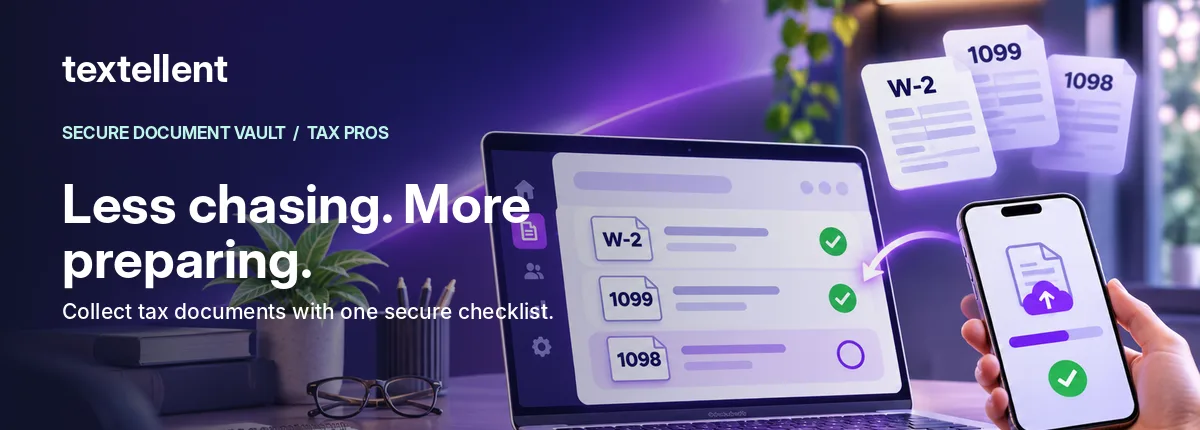
Missing tax documents are a process problem as much as a client problem. An efficient office needs one agreed request, one visible status, and a clear rule for what happens next.
First, give each request a clear owner
Decide who creates the initial checklist and who monitors it. A firm with several preparers can lose time when one person assumes another followed up. A designated owner should know which requests remain incomplete without asking colleagues to reconstruct email threads.
Second, ask for specific items
Instead of “Please send your tax forms,” say “Please upload the W-2 from Employer A and mortgage interest statement if applicable.” Avoid including sensitive client facts in unprotected texts or email subject lines. The actual file request belongs in a reviewed, verified workflow.
Third, let clients answer ‘not applicable’
An item that doesn’t apply can look exactly like a missing item if the only available response is upload or silence. Provide clear choices such as upload, already provided, and not applicable, plus a place to explain exceptions.
Fourth, set a reasonable follow-up rhythm
Create a workflow based on the request’s status, not an automatic daily blast. For example:
- Day 0: Send the complete request and explain how to respond.
- Day 3: Check which items remain outstanding; send a helpful reminder where permissible.
- Day 7: Review blocked or unusual cases personally; offer assistance with upload steps.
- Before scheduling preparation: Confirm that the needed items are resolved or documented as an exception.
This is an illustrative internal service workflow, not a claim that every reminder can be automated in Textellent today. Your office should confirm consent, channel appropriateness and product capabilities before implementing it.
Fifth, make progress visible to the preparer
Your tax staff should see the difference between a client who has not opened the request and a client who uploaded most forms but has one unresolved question. A visible checklist allows a more precise and respectful follow-up.
Sixth, prepare for clients who need help
Some clients will not have a digital copy of a form. Others may be using a shared phone or have a changed number. Define an accessible support path, alternate delivery procedures, and a verification process for account-access changes.
A simple status meeting that actually helps
Twice per week during busy season, review only requests that are blocked: clients who need a new secure link, items marked not applicable but requiring clarification, or files that cannot be opened. Avoid a meeting that reviews every already-completed checklist.
How Secure Document Vault helps
Textellent Secure Document Vault supports a request checklist delivered by text, phone-browser uploads after code/PIN verification, item comments, and an office-side view of checklist progress. That gives the team a more organized way to find the outstanding item instead of searching through attachments and messages.
The product page currently marks on-hold reminders that take clients straight to missing items as a future enhancement. Do not plan your process around that feature until it is released and confirmed.
FAQ
How often should we remind clients?
Choose a helpful cadence based on client relationship, permissions, urgency and actual request status. Avoid repetitive, generic blasts.
What belongs in the reminder?
Use a minimal description and direct the client to the verified request; don’t expose taxpayer details in SMS.
How do we know the workflow is improving?
Track request completion rate, aging incomplete requests and staff follow-up effort—not just message volume.
Watch the Vault workflow or book a demo for your tax office.
The sequence above describes a recommended operational practice, not an assertion of currently live automated Vault reminder features.